When people ask what they should buy first for a more reliable home office, they usually expect a long list of equipment. My answer is almost always smaller and cheaper than they expect. The first $100 that actually improves a remote workday rarely goes to the most impressive item on the product page.
I am Dan Whitaker. I work in IT and security operations and live in Raleigh with my family. I have helped neighbors and colleagues spend money on upgrades that made no measurable difference, and I have watched simple $50–$100 changes remove daily friction for months. The order of spending matters more than the size of the budget.
What Usually Wastes the First Dollars
Here is the part that usually causes trouble: people buy a new chair, a bigger monitor, or a mesh system before they know which problem is actually costing them time. A beautiful desk does not fix a weak Wi-Fi signal in the room where the laptop sits. A premium headset does not fix a calendar full of poorly timed meetings.
Priority Order I Recommend
Confirm the network is stable in the actual work location (test first).
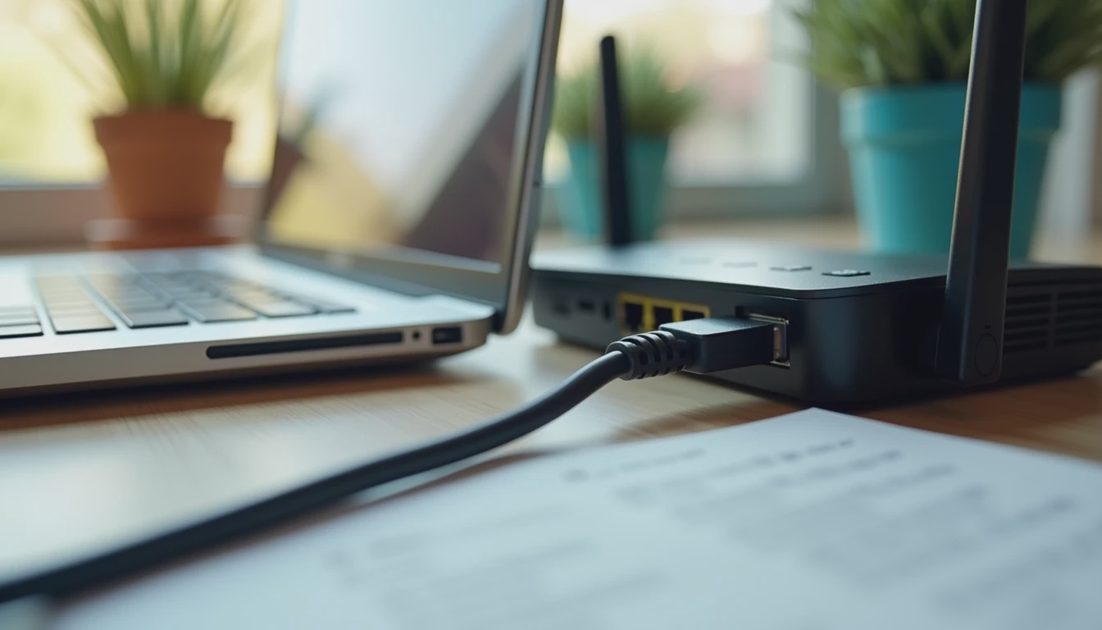
Give the primary work device a wired connection if the desk allows it.
Improve lighting and basic ergonomics only after the connection is solid.
Add a simple backup internet option if an outage would stop paid work.
Only then consider comfort upgrades that do not affect reliability.
Where $100 Actually Goes Further
Upgrade | Approx. Cost | Problem It Solves | Typical Impact |
|---|---|---|---|
Ethernet cable + simple adapter | $15–40 | Weak Wi-Fi at the desk | High for video calls |
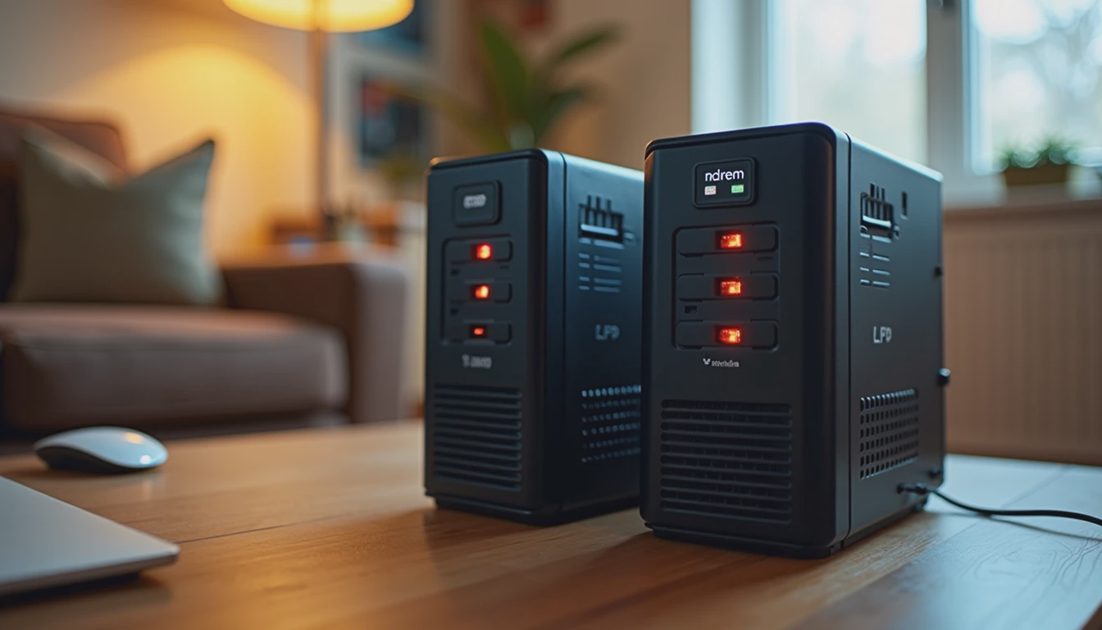
Basic UPS for modem/router | $40–80 | Short power blips | High on storm days |
Better placement / cheap mesh node | $50–100 | Coverage dead zones | Medium–high |
Decent task lamp | $20–40 | Eye strain, late work | Medium |
Backup hotspot plan | $10–30/mo | Total outages | High when needed |
The table reflects what I have seen deliver the most workday reliability per dollar in ordinary homes. Comfort matters, but reliability comes first.
A Sensible First Purchase Path
If I were setting this up for a normal household with a $100 limit, I would run the near-router Wi-Fi test, buy a cable if the desk is close enough to the router, and put any remaining money toward a basic UPS or a better lamp. That combination removes more daily interruptions than a single expensive peripheral.
Made simple. Spend the first dollars on the problems that stop work completely before you spend on the problems that only make work less comfortable. Less hassle starts with a connection that stays up.
I have watched people spend several hundred dollars on a new chair or monitor while still dropping video calls because the Wi-Fi path was never tested. The first dollars should buy reliability. Comfort can come second. After the connection is solid, the same $100 mindset can be applied to lighting, seating, and cable management. The order prevents the most expensive kind of waste: buying upgrades that do not address the actual daily interruption. Made simple. Test, then spend on what the test shows is broken. Less hassle starts with a connection that stays up through the workday.
A Note on Comfort Versus Reliability
Comfort upgrades are not wrong. They are simply second. A better chair will not help if the video call drops every twenty minutes. A larger monitor will not help if the file upload stalls because the Wi-Fi path is weak. Once the reliability problems are measured and addressed, the same careful spending can go toward the things that make long days less tiring. The sequence is what protects the budget and the workday at the same time.
If the desk is far from the router and a cable is impossible, the next best $50–100 often goes to a single mesh node placed to cover the work area, not a whole-home system. Targeted coverage beats blanket coverage when the budget is limited.
The practical test is whether the workday has fewer complete interruptions after the first $100 is spent. If the answer is yes, the money went to the right place. If the answer is no, the next dollars should still follow the same priority order instead of jumping to comfort items. Reliability first, then comfort. That sequence has saved more remote workdays than any single piece of equipment I have recommended.
Less hassle. More life. The first hundred dollars should buy a workday that stays up, not just a setup that looks finished.
I keep a short note of the last upgrade and the problem it was meant to solve. If the problem is still present after two weeks, the next dollars go to a different fix instead of doubling down on the same category.
Comfort upgrades are not wrong. They are simply second. A better chair will not help if the video call drops every twenty minutes. A larger monitor will not help if the file upload stalls because the Wi-Fi path is weak. Once the reliability problems are measured and addressed, the same careful spending can go toward the things that make long days less tiring.
If the desk is far from the router and a cable is impossible, the next best fifty to one hundred dollars often goes to a single mesh node placed to cover the work area, not a whole-home system. Targeted coverage beats blanket coverage when the budget is limited.
Made simple. Spend the first dollars on the problems that stop work completely before you spend on the problems that only make work less comfortable. Less hassle starts with a connection that stays up.