
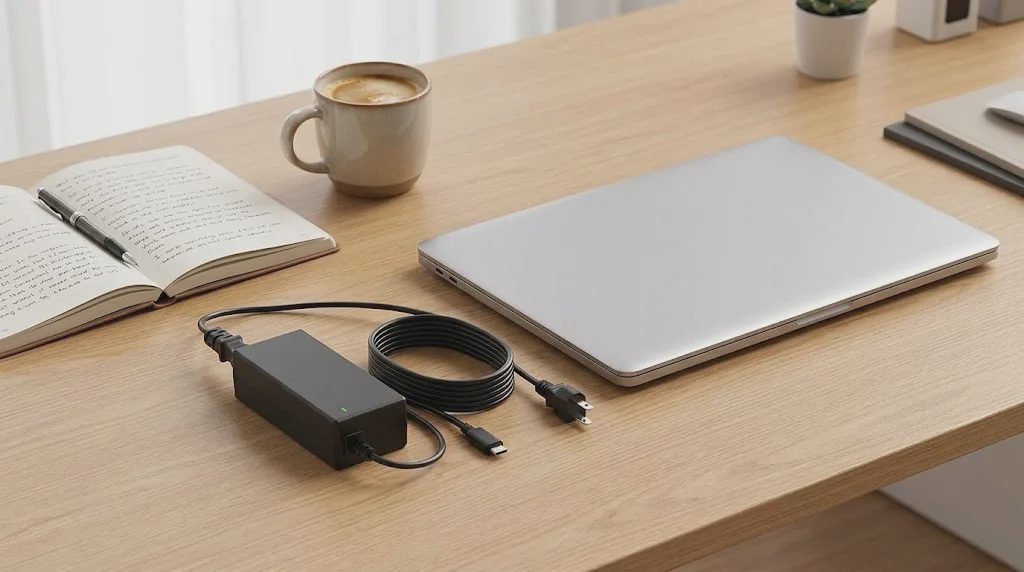
Here’s the part that usually causes trouble: you have one good charger, and it lives in the bag. Every time you sit down at the home desk you dig it out, plug it in, then unplug it again when you leave for a meeting, a school run, or an hour at the kitchen table. I got tired of that loop. Buying another full-price OEM unit felt unnecessary for a charger that would mostly stay in one place, so I ordered the ROLADA 65W Laptop Charger for select Lenovo IdeaPad models (current price around $18.95 — always check the listing) and left it permanently at the workstation. After several weeks as a secondary desk charger, plus a couple of short trips as a backup, here’s what actually mattered.
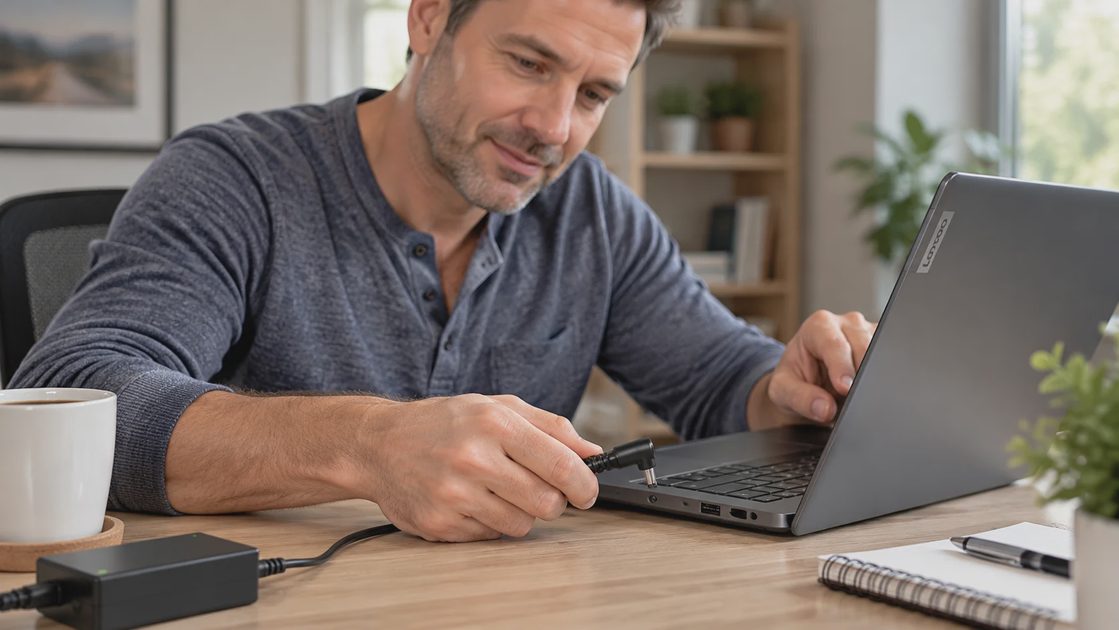
What You’re Actually Getting at This Price
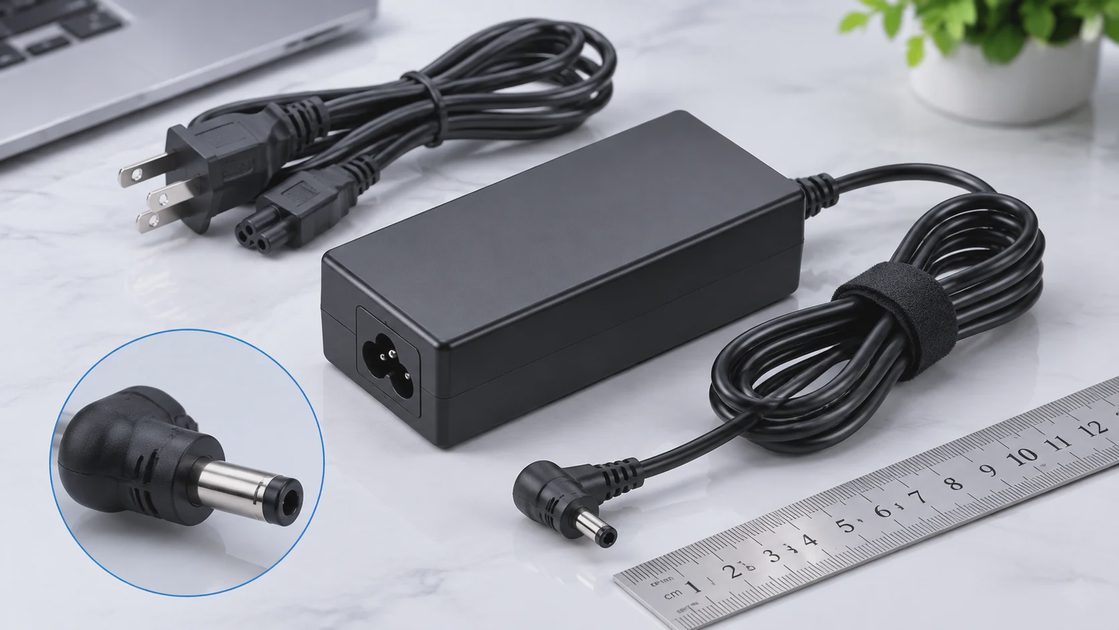
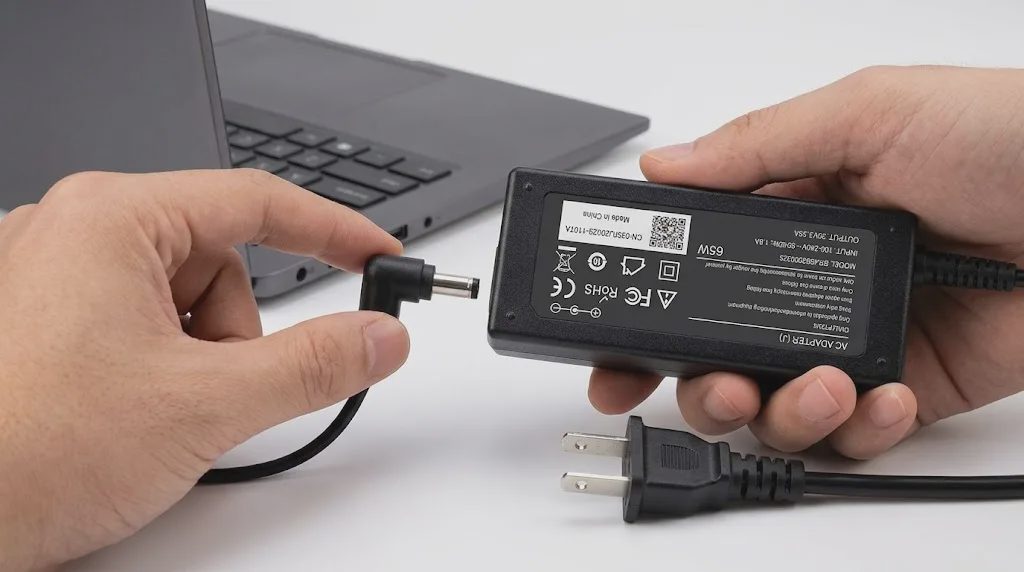
This is a fixed-output 20V 3.25A 65W adapter with a 4.0 × 1.7 mm round tip (black pin inside). The product lists backward compatibility with some 45W (20V 2.25A) devices, but voltage, tip size, and your laptop’s own power requirements still need to match. Input is 100–240V, 50–60 Hz. It ships as a two-piece design: the brick plus a detachable AC cord. The listing shows short-circuit protection and UL, CE, FCC, and RoHS marks.
How to Check Whether This Charger Fits Your Lenovo Laptop
Look at the label on your original adapter. Note the output voltage and wattage (commonly 20V and 45W or 65W for these models).
Confirm the tip. This unit uses a 4.0 × 1.7 mm round tip with a black center pin. It is not USB-C and not the yellow square tip.
Series name alone is not enough. Confirm the connector size, output voltage, wattage requirements, and compatibility with your exact laptop model before ordering.
Choosing the wrong connector is an easy mistake to make, so compare it with your original charger before ordering. A few minutes with the original brick and the laptop port saves a return later.
Feature | Spec / Claim | Real-World Note |
|---|---|---|
Output | 20V 3.25A 65W (45W listed as possible) | Laptop drew what it needed in normal use |
Tip | 4.0 × 1.7 mm round, black pin | Matched my IdeaPad port; seated firmly |
Input | 100–240V | Useful with a simple plug adapter when traveling |
Design | Detachable AC cord + brick | Easier to leave under the desk or pack |
Protection | Short-circuit protection listed | Brick stayed mildly warm; no protection events seen |
The brick is compact enough to stay out of the way behind a desk. Cable length is practical for a normal home-office layout—enough reach to place the laptop where you actually work without excess slack on the floor.
Real Use as a Desk Charger and Occasional Backup
The Two-Charger Setup That Made My Workday Easier
The pattern is simple:
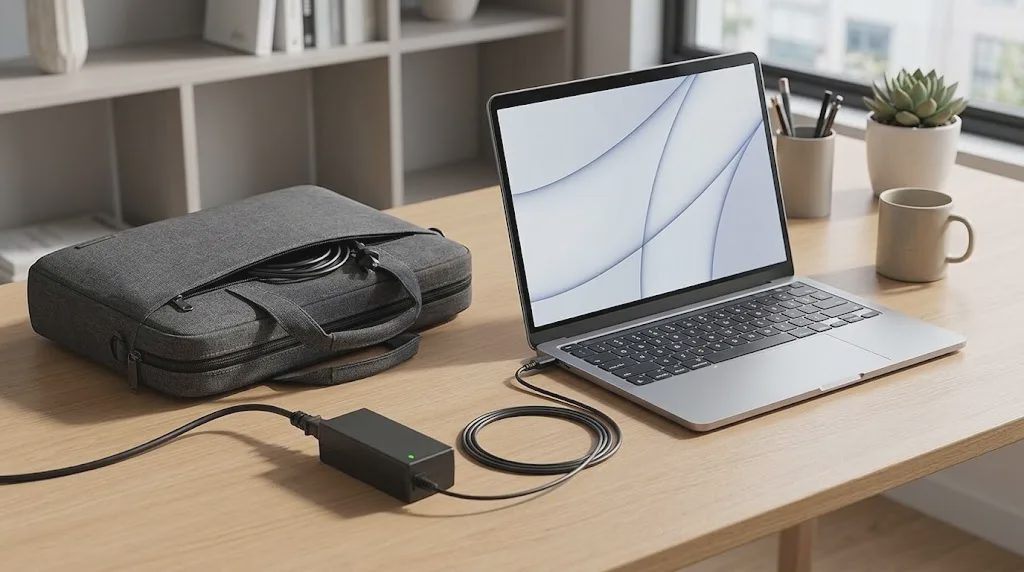
Original charger stays in the laptop bag.
Second charger stays plugged into the wall behind the desk.
A small cable clip keeps the DC tip from falling behind the desk when not in use.
When I leave the house I take the laptop and the bag. I do not unplug the desk unit.
I do not need a charger in every room.
That single separation removed the daily crawl-under-the-desk step. On mornings with a school run or an in-person meeting, the travel charger is already packed. The desk unit never moves. The result is less friction at the start and end of the workday, which is the entire point of a second adapter in a normal household.
Typical weekday use: sit down, connect the tip, start work. During longer blocks—video calls, documents, light multitasking—the brick stayed only mildly warm. There was no intermittent connection and no noticeable coil noise in the period I used it. When I shifted to the kitchen table for an hour while something was on the stove, I either ran on battery or brought the bag charger; the secondary unit stayed at the desk. That predictability matters more than raw wattage numbers once you have lived with the old one-charger routine for a while.
I also packed it as a travel backup on two short trips. The detachable AC cord made it easier to arrange the charger inside my backpack. Because the input accepts 100–240V, the same brick can be used abroad with a simple plug adapter. It charged normally overnight and during hotel work sessions. I have not run multi-month continuous testing, so long-term durability remains an open question; early behavior was consistent and uneventful.
A few practical notes from the weeks of desk use and the short trips:
Tip fit remains the single most important pre-purchase check.
Leaving the secondary unit permanently connected to the wall removes a small but daily decision.
Mild warmth under mixed workloads is normal; unusual heat is a signal to stop and inspect.
The two-piece design helps with packing, but the extra connection point is still something to keep an eye on over time.
Where the Compromises Appear
No replacement charger at this price is identical to a current OEM unit. After real use the limits are clear:
Compatibility is tip- and voltage-specific. Wrong tip size means it will not work.
It is a fixed 65W unit. It will not replace higher-wattage adapters required by some performance models.
Materials are appropriate for the price. Weeks of use showed only mild warmth and stable connection; that is not multi-year durability data.
The detachable cord is convenient for packing, yet it adds one more connection point.
If the adapter becomes unusually hot, makes new noises, or charging becomes intermittent, stop using it and check both the laptop and the adapter. Manufacturer-listed protections are not a substitute for basic caution.
For my home office routine, that balance makes more sense than moving one charger between the desk and the bag every day. The goal is fewer small interruptions, not a perfect piece of hardware.
Who This Charger Serves — and Who Should Skip It
Do You Actually Need a Second Laptop Charger?
Situation | Suggestion |
|---|---|
You switch often between home desk and leaving the house | A second charger is often worth the small cost |
You unplug and repack the only charger every day | A desk unit removes real daily friction |
You work almost entirely in one fixed spot | Usually unnecessary |
Your laptop uses USB-C or a different tip | This specific model will not fit |
Your laptop requires more than 65W | Do not use it as a direct replacement |
Your original charger has already failed | Prioritize a correctly matched, reliable unit |
If you own a compatible Lenovo IdeaPad or Flex model with the 4.0 mm round tip and you work from home, a second 65W laptop charger left at the desk removes a small daily annoyance. The 100–240V input makes it usable across regions with the right wall adapter. Families sharing space benefit from the separation because the desk unit never has to be hunted down.
Skip it when the table above says so. Extra cable you do not need is just more clutter. The useful question is not whether a second charger is “nice to have,” but whether the daily unplug-and-repack step is costing you more attention than the cost of a correctly matched spare.
The Bottom Line
I needed a second charger that could live at the desk so the primary one could stay in the bag. The ROLADA 65W Laptop Charger at roughly $18.95 (confirm current price) delivers stable power on a compatible IdeaPad when the connector, voltage, and power requirements match, 100–240V input, and a detachable cord that packs cleanly. It stayed mildly warm during normal work blocks, worked as a short-trip backup, and removed the daily unplug ritual. Compatibility is strict, wattage is fixed at 65W, and long-term durability is still being proven. For a remote worker who wants less daily hassle around power—and who has verified the tip—it does the simple job it was bought for.
Made simple.