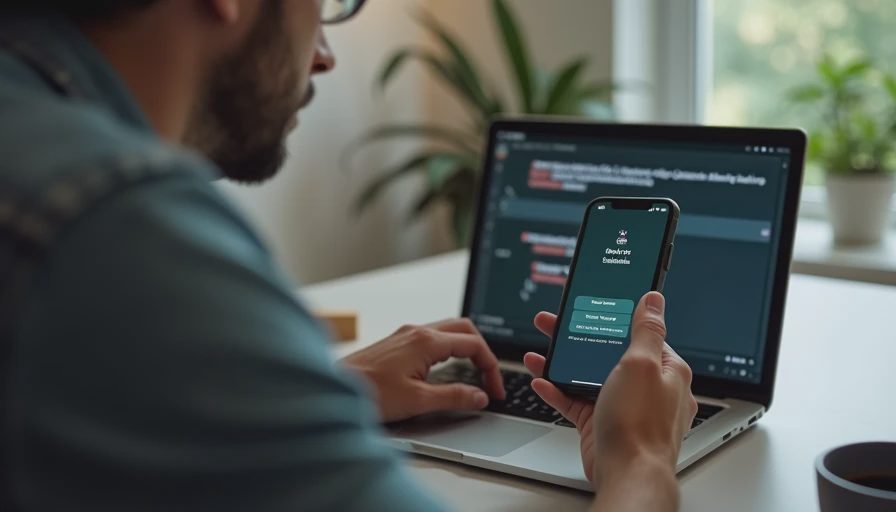
Constant notifications are not a badge of importance. They are a tax on attention. For people whose work requires uninterrupted thinking—writing, analysis, design, debugging—the default notification settings of most tools are actively hostile. Changing those defaults is one of the highest-leverage adjustments a remote worker can make.
I am Dan Whitaker. I work in IT and security operations and live in Raleigh with my family. I have spent years helping people recover focus time that was being shredded by badges, banners, and sounds. The fix is rarely a new app. It is a deliberate decision about what is allowed to interrupt.
The Real Cost of Default Settings
Here is the part that usually causes trouble: every tool arrives with notifications turned on for almost everything. Chat, email, project updates, calendar reminders, and system alerts all compete for the same limited attention. The result is a workday that feels busy while producing less of the deep work that actually moves projects forward.
A Practical Notification Policy
Turn off all non-urgent notifications by default.
Allow interruptions only from a short list of people or channels that can truly require immediate response.
Batch-check everything else at two or three set times during the day.
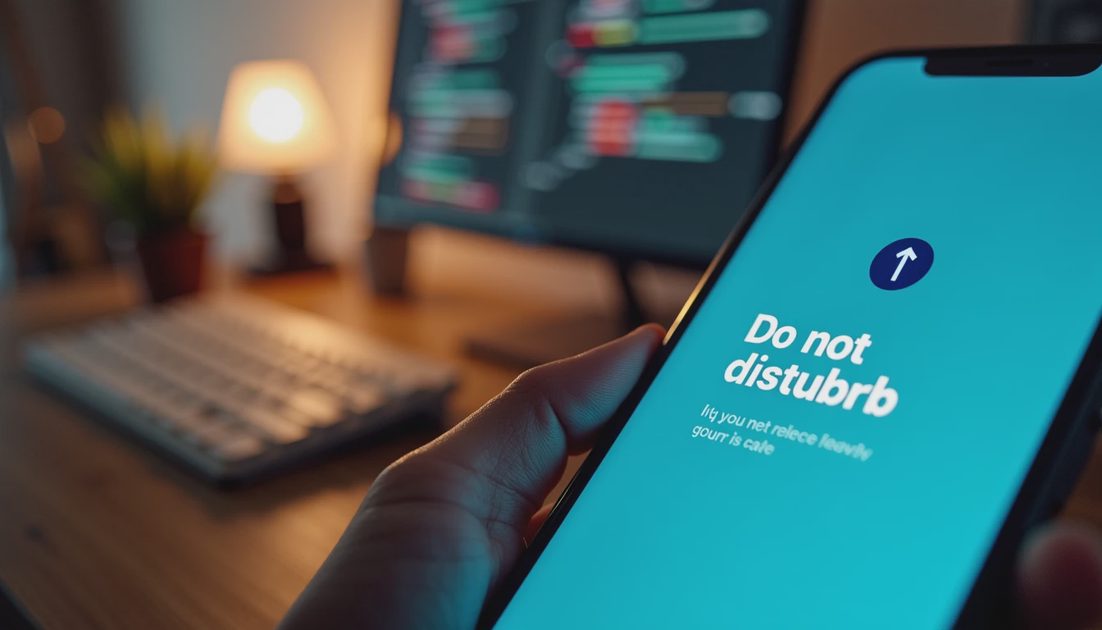
Keep the phone on Do Not Disturb during focus blocks, with exceptions only for defined emergencies.
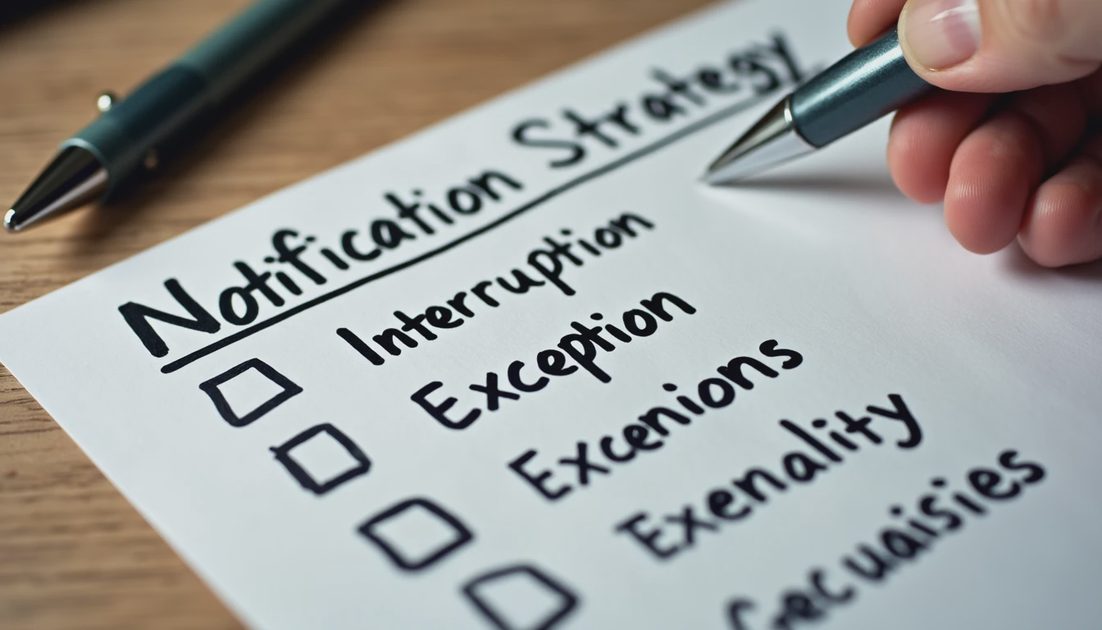
Review the exception list once a month and remove anything that has not earned its place.
What Changes When Interruptions Drop
People who adopt aggressive notification limits usually report two shifts. First, longer stretches of uninterrupted work. Second, less residual anxiety about “catching up.” The brain stops treating every buzz as a potential emergency. The workday becomes more intentional.
Quick Settings Reference
Tool Type | Suggested Default | Exception Rule |
|---|---|---|
Team chat | Mentions only, or off during focus | Direct messages from key people |
Fetch manually or every 1–2 hours | VIP senders only | |
Project tools | Daily digest or off | Critical blockers only |
Calendar | Alerts 5–10 minutes before | None for all-day events |
Phone | Do Not Disturb during focus blocks | Starred contacts only |
The table is a starting point. The exact settings matter less than the decision that most things can wait.
Making It Survive Real Life
The policy fails on days when a project is on fire or a child is sick. On those days the exception list expands temporarily and then contracts again. The point is not perfect silence. The point is that silence is the default and interruption is the exception.
Made simple. Most notifications do not need to reach you in the moment. Decide what is allowed to interrupt, and let the rest wait. Less hassle. More life.
I review my own exception list every month and almost always remove at least one item that no longer deserves the right to interrupt. The list stays short on purpose. The practical test is whether focus blocks actually produce finished thinking rather than fragmented attention. If the blocks are still being shredded, the exception list is still too long. Made simple. Most things can wait. Decide what is allowed to break your concentration, and let the rest arrive when you choose to look. People whose work requires long stretches of concentration—writers, analysts, designers, developers—pay a higher price for default notification settings than people whose work is primarily reactive. The settings should reflect the type of work, not the default of the tool. I keep a visible note near the desk that says “Interruptions are the exception.” It is a small environmental reminder that the default is focus, not availability. Less hassle. More life. The quiet that follows a deliberate notification policy is one of the most reliable upgrades available to a remote worker.
The policy is not about becoming unreachable. It is about becoming reachable on purpose. Urgent matters still get through. Everything else waits for the next batch window. That single distinction recovers more usable thinking time than most productivity techniques I have tried.
After a few weeks the new defaults feel normal. The anxiety of “missing something” fades because the exception list is trusted. The workday becomes less reactive and more deliberate. That shift is the real product of a good notification policy.
The goal is not zero interruptions. The goal is interruptions that are chosen rather than imposed by every tool’s default settings.
People whose work requires long stretches of concentration—writers, analysts, designers, developers—pay a higher price for default notification settings than people whose work is primarily reactive. The settings should reflect the type of work, not the default of the tool.
I review my own exception list every month and almost always remove at least one item that no longer deserves the right to interrupt. The list stays short on purpose. After a few weeks the new defaults feel normal. The anxiety of “missing something” fades because the exception list is trusted. The workday becomes less reactive and more deliberate.
Made simple. Most things can wait. Decide what is allowed to break your concentration, and let the rest arrive when you choose to look. Less hassle. More life.