

Most remote workers end up with more tools than they need. Each new app promises to solve a specific problem and quietly adds another place to check, another password to manage, and another source of notifications. I have watched people spend more time maintaining the stack than doing the work the stack was supposed to support.
I am Dan Whitaker. I work in IT and security operations for a remote-first company and live in Raleigh with my family. The question I ask before adding any tool is simple: does this reduce daily hassle for a normal person, or does it just move the hassle somewhere else? Simpler is better.
What a Small Stack Actually Needs
A useful remote-work stack has to cover a short list of jobs:
Communication that is not constantly urgent
A place for shared documents and decisions
A way to track the work that is in progress
Basic file storage and backup
A calendar that respects real time zones
Everything beyond that should earn its place by solving a repeated, concrete problem. If a tool only adds features without removing friction, it usually does not belong in the daily set.
Core Jobs and Sensible Defaults
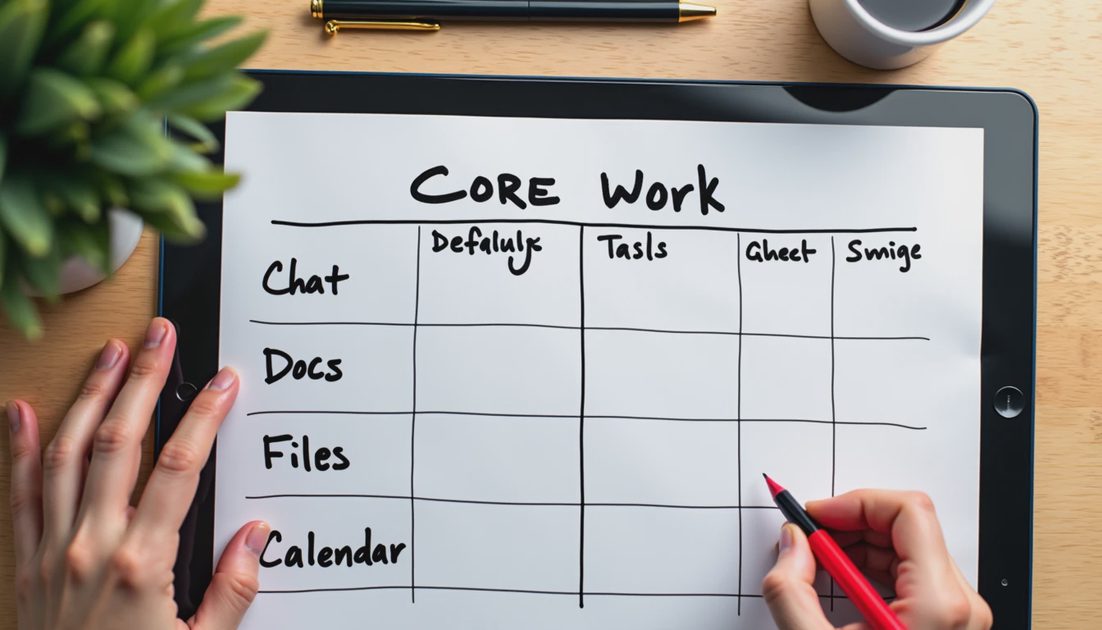
Job | Sensible Default | When to Add More |
|---|---|---|
Quick team chat | One primary chat tool | Only if volume is high and well-managed |
Documents & decisions | Shared docs + clear folders | Project boards if work is complex |
Task tracking | Simple list or lightweight board | Full project suite only for larger teams |
Files | Cloud storage with clear structure | Extra sync tools rarely needed |
Calendar | One calendar with time-zone labels | Multiple calendars create confusion |
The table is a starting point for an individual contributor or a small team. The goal is coverage without sprawl.
How to Shrink an Existing Stack
If you already have too many tools, the cleanest approach is to pick one primary home for each job and move the rest to “archive or ignore.” I usually start by listing every app that sends notifications, then asking which of those notifications actually change what I do that day. Most of them do not.
A practical sequence:
List every tool you open in a normal workday.
Group them by the job they are supposed to do.
Choose one primary tool per job.
Turn off notifications for everything that is not the primary.
After two weeks, delete or log out of the ones you never needed.
Review the list again after a month and remove anything that crept back in.
This process is not glamorous. It is effective. People who complete it usually report fewer interruptions and less low-level anxiety about “catching up.” The stack becomes something you control instead of something that controls your attention.
What I Actually Use
My own working stack is deliberately small: one chat tool with aggressive notification limits, one document system, one lightweight task list, standard cloud storage, and a calendar that shows multiple time zones. I add temporary tools for specific projects and remove them when the project ends. The stack stays small because I treat every new tool as a cost, not a free upgrade.
I have removed more tools than I have added in the last two years. Each removal freed a little attention and reduced the number of places I had to check before I could start real work. The result is not a perfect system. It is a system that stays out of the way.
Made simple. The smallest useful stack is the one that covers the real jobs and then gets out of the way so you can do the work. Less hassle. More life.

Additional Notes from the Field
The hardest part of shrinking a tool stack is not the technical step of logging out. It is the emotional attachment to tools that once felt useful. I have kept tools for months after they stopped earning their place simply because removing them felt like admitting the earlier decision was wrong. The cost of that attachment is continuous low-level attention drain.
When in doubt, run a two-week experiment. Turn the questionable tool off, route its job to the primary tool, and notice whether anything important actually breaks. Most of the time the answer is no. The stack gets lighter, and the workday gets quieter.
The practical test I use is simple: after two weeks of the new default, are people spending less time coordinating and more time doing the actual work? If the answer is yes, the design is working. If the answer is no, the default needs another adjustment. The goal is not a perfect calendar or a perfect tool list. The goal is a system that creates less daily friction for the people who have to live with it.
The hardest part of shrinking a tool stack is not the technical step of logging out. It is letting go of tools that once felt useful. I have kept tools for months after they stopped earning their place simply because removing them felt like admitting an earlier decision was wrong. The cost of that attachment is continuous low-level attention drain.
When in doubt, run a two-week experiment. Turn the questionable tool off, route its job to the primary tool, and notice whether anything important actually breaks. Most of the time the answer is no. The stack gets lighter, and the workday gets quieter.
Made simple. The smallest useful stack covers the real jobs and then gets out of the way. Less hassle. More life.