
Remote work is supposed to give you back time and control. For a lot of people it just moves the hassle into the living room. Unreliable Wi-Fi, meetings at odd hours, notifications that never stop, and the quiet pressure to stay available all collide with real family life. I started writing because I got tired of watching good people treat those problems as personal failures instead of design problems.
I am Dan Whitaker. I live in Raleigh, North Carolina, with my wife Sarah and our two kids, Maya (13) and Ethan (8). I work as an IT & Security Operations lead at a remote-first SaaS company. I have seen remote work from the help desk, from product teams, and from the security side. The same issues keep showing up: the technology fights the household, the calendar fights the time zones, and the tools fight the need to think. Less hassle. More life. That is the filter I use.
The Problems That Actually Show Up at Home
Most remote-work advice assumes a quiet office, a perfect internet connection, and a calendar that somehow respects everyone. Real households do not work that way. The Wi-Fi has to serve a work call and a school video at the same time. The laptop has to close at a predictable hour or dinner gets interrupted. “Flexible” quietly turns into permanent availability if no one draws a line.
I keep a short list of things to fix later. Occasionally one of those items becomes a useful note for other people who are trying to make remote work fit a normal home. The notes that survive are the ones that respect time, budget, skill level, and family constraints. The ones that fail are usually the ones that treat complexity as proof of expertise.
Common Household Friction Points
Problem | How It Shows Up | What Usually Helps |
|---|---|---|
Unreliable connection | Dropped calls, frozen video | Simple testing + backup plan |
Notification overload | Constant interruptions | Default quiet settings |
Blurred boundaries | Work at the dinner table | Clear shutdown routine |
Time-zone meetings | Someone always loses | Better labeling + async defaults |
Tool sprawl | Too many apps, unclear homes | Smallest useful stack |
The table is not a ranking. It is a practical map of the friction I see most often in ordinary remote households.
What This Site Is For
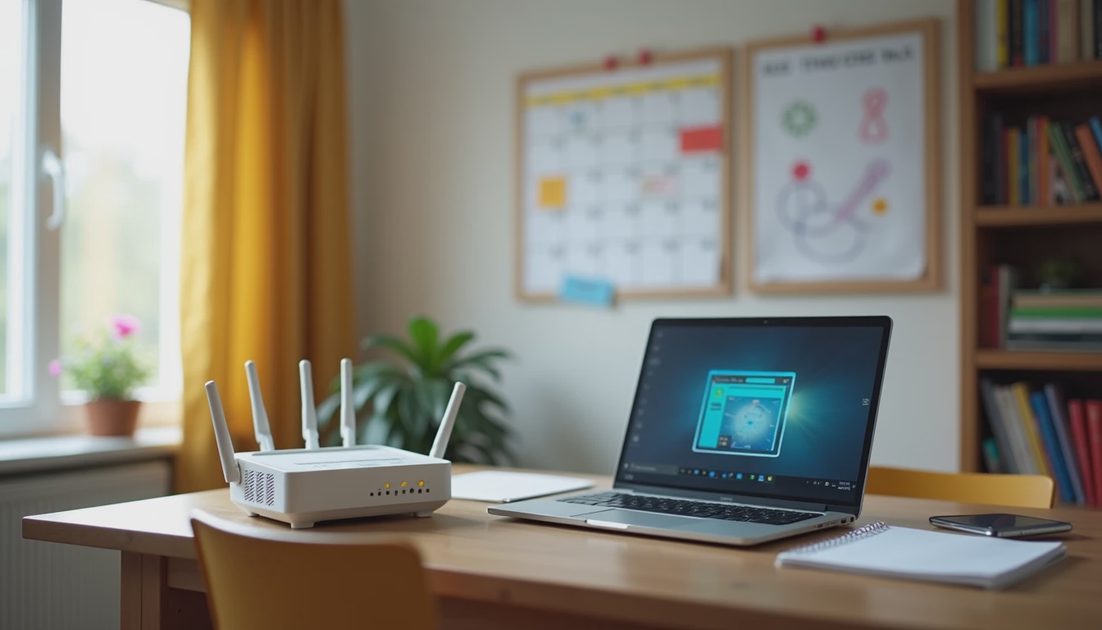
I write for people who do not want to become technology experts. They simply want their laptop, Wi-Fi, calendar, and workday to stop fighting them. The advice here is the same advice I would give a neighbor: start with a sensible default, respect the budget and the family situation, and prefer simpler systems over impressive ones.
You will not find fear-based security lectures or endless product shopping lists. You will find clear defaults, honest tradeoffs, and a bias toward systems that still work when the house is noisy and the internet is imperfect. Simpler is better.
I test the recommendations the same way I test internal workflows: does this reduce hassle for a normal household, or does it just add another layer? If it fails that test, it does not belong here.
How the Categories Fit Together
Home Base covers the physical and network foundation. Across the Clock deals with time zones, async habits, and meeting boundaries. The Remote Workbench focuses on tools, notifications, and daily workflows. Off the Clock protects the line between work and family life. Each category starts from a recognizable problem and offers a practical next step rather than a complete overhaul.
The posts that follow will stay close to that standard. Some will be short and tactical. Others will be longer reflections on the habits that actually stick. All of them aim for the same outcome: less friction in the workday and more room for the rest of life.
Made simple. That is the sign-off I use when the advice is ready to use without a long setup process. It is also the standard I hold myself to when I write.
Why I Keep Coming Back to the Same Principles
After years of fixing access problems, calming incident response, and watching distributed teams struggle with the same patterns, I have learned that most remote-work pain is not caused by a lack of tools. It is caused by systems that ignore the realities of home, family, and attention. The fixes that last are usually the ones that remove steps rather than add them.
I still run three or four times a week. I still cook simple dinners. I still keep the short list of things to fix later. The writing is just an extension of that list—shared with people who are dealing with the same collisions between work technology and real life.
If you are looking for a place that treats remote work as something that has to fit around a household rather than the other way around, you are in the right place. The goal is not a perfect setup. The goal is a setup that stays out of the way so you can get the work done and then close the laptop.